Pivot revenues, costs and quantities across the Work Breakdown Structure, group, chart and compare revisions, then switch from table to pie, sunburst or Sankey in one click.


| WBS Level | Item code | Item description | Link to Corporate WBS | Last modified | State | Actions |
|---|---|---|---|---|---|---|
| WBS1 | PRJ | PRJ | 08/10/2025, 22:13:56 | |||
| WBS2 | V01 | Variant 1 | 27/04/2025, 11:05:08 | |||
| WBS2 | V02 | Variant 2 | 27/04/2025, 11:05:08 | |||
| WBS2 | V03 | Variant 3 | 27/04/2025, 11:05:08 | |||
| WBS2 | V04 | Variant 4 | 27/04/2025, 11:05:08 | |||
| WBS2 | V05 | Variant 5 | 27/04/2025, 11:05:08 | |||
| WBS2 | V08 | Variant 8 | 27/04/2025, 11:05:08 | |||
| WBS2 | V10 | Variant 10 | 27/04/2025, 11:05:08 | |||
| WBS2 | V11 | Variant 11 | 27/04/2025, 11:05:08 | |||
| WBS2 | V14 | Variant 14 | 27/04/2025, 11:05:08 | |||
| WBS2 | V17 | Variant 17 | 27/04/2025, 11:05:08 | |||
| WBS7 | ST03 | Foundation Slab | 28/04/2025, 01:11:25 |
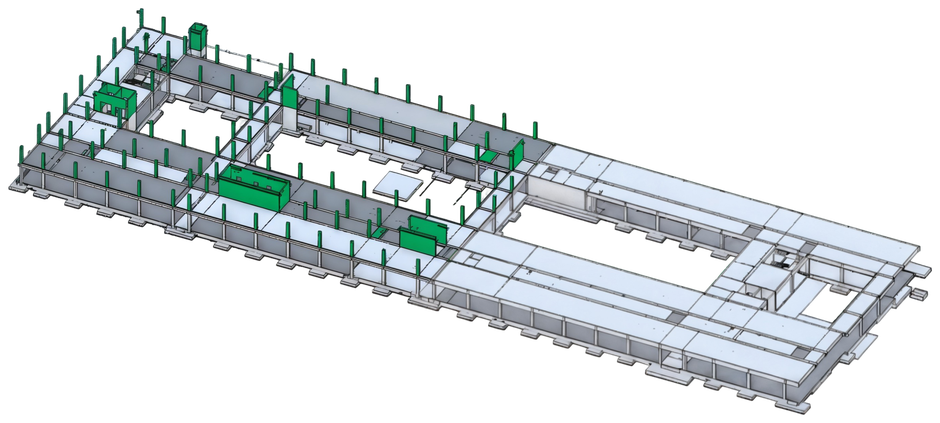
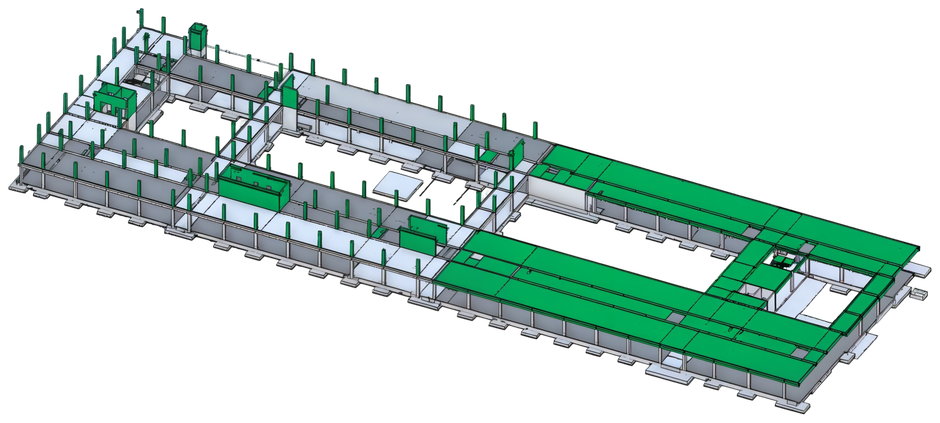
Group by any WBS level, compare revisions, and read revenues, costs and quantities together, then switch from table to pie, sunburst or Sankey without exporting a thing.
Drag a WBS level into Group by and the whole hierarchy re-rolls instantly, project, contract, building, zone.
See exactly what moved between Rev 00 and Rev 01, deltas surfaced inline, nothing hidden.
One click reshapes the same data into the chart the decision needs, no re-export, no spreadsheet.
Start with a guided pilot on your own data.
Book a Demo →