
Keeping track of tools and equipment across dynamic construction sites is a constant challenge. Tools are frequently moved between crews and locations, and without proper oversight they can easily end up misplaced, left behind, or even stolen. Industry research suggests that up to 30% of tool purchases are made simply to replace items that were lost or stolen on the job. Beyond direct replacement costs, missing tools cause delays and productivity losses – workers may spend over an hour a day searching for misplaced tools or waiting for a needed piece of equipment to arrive.
In the UK alone, tool theft and loss is estimated to cost the construction industry hundreds of millions of pounds each year, and in the U.S. the annual loss of heavy equipment reaches into the billions. Clearly, the traditional approach of manual logs and ad-hoc tracking is not enough. This is where a modern Construction Tool Tracking Platform becomes invaluable.
A construction tool tracking platform is a software-based system (often paired with asset tags or GPS units) that allows companies to monitor and manage their tools in real time. These platforms combine cloud technology, mobile apps, and often IoT sensors to give full visibility into where each tool is, who is using it, and its current condition. The result is a more efficient, accountable, and safe work environment. To get these benefits, it’s important to choose a platform with the right capabilities. Below, we explore the top 9 essential features every construction tool tracking platform should offer, along with practical examples of how they help construction teams save time and money.
Table of Contents
Top 9 Essential Features of Construction Tool Tracking Platform
1. Real-Time Location Tracking and Visibility
One of the most fundamental features is real-time location tracking for your tools and equipment. A quality tool tracking platform provides instant visibility into where each asset is located, whether it’s on a specific jobsite, in a warehouse, or with a certain crew member. This is typically achieved through technologies like GPS trackers for heavy equipment, Bluetooth beacons for smaller tools, or simply by scanning QR code or RFID tags with a mobile device to update a tool’s location.
Real-time tracking means that at any moment you can open the system’s dashboard and see, for example, that the concrete mixer is at the Main Street site and the laser level is with Crew B at the Oak Road project. This visibility prevents loss and theft by ensuring tools are not “out of sight, out of mind.” If an expensive generator goes missing, you can quickly pinpoint its last known GPS location.
In the unfortunate event of theft, having a GPS trace greatly improves the chances of recovery – many contractors have recovered stolen items by providing location data to law enforcement. Even for day-to-day operations, real-time location data saves time. Instead of calling around to find who has the rotary hammer, a project manager can instantly check the platform and identify its location. Crews spend less time hunting for tools and more time using them productively. By knowing where every tool is in real time, projects avoid downtime and keep on schedule.
Modern tracking platforms also often support geofencing alerts. This means you can define a virtual boundary (for instance, around a construction site or storage yard) and get an automatic alert if a tool leaves that area after hours. Geofence alerts act as a security tripwire – if someone tries to remove equipment from the site without authorization, the system notifies managers immediately. Such features give construction companies peace of mind that their valuable assets are protected around the clock. Overall, real-time location tracking and geovisibility form the cornerstone of a tool tracking system, directly tackling the problems of lost time and theft that plague many construction operations.
Suggested article to read: 12 Cutting-Edge Technologies in Construction Automation You Need to Know

2. Tool Inventory Management and Lifecycle Tracking
A construction tool tracking platform should double as a comprehensive tool inventory management system, treating all tools and equipment as critical assets rather than expendable supplies. This feature involves creating a detailed catalog of every tool – from power drills and ladders to heavy excavators – along with key information like model, serial number, purchase date, purchase cost, current condition, and maintenance history. Having a centralized inventory repository means you always know what tools you own, their quantity, and their status. It eliminates the chaos of scattered Excel sheets or handwritten logs and provides a single source of truth for asset information.
Lifecycle tracking is a crucial aspect of inventory management. The platform can help monitor each tool’s entire lifecycle, from acquisition to disposal. For example, you can record when a concrete mixer was bought and then track all expenses associated with it over time (maintenance, repairs, parts replacements). This allows for calculating metrics like total cost of ownership and depreciation.
Why is this important? It enables data-driven decisions on when to service, retire, or replace tools. If one of your generators is reaching the end of its expected life or has cost more in repairs than it did to buy, the system’s data makes that visible. You might avoid a sudden failure by proactively replacing it, or conversely, avoid unnecessary purchases by redistributing underused tools. In fact, with proper inventory tracking, many companies find they can reduce buying duplicate tools – they discover existing tools that were thought lost or forgotten, or they can share surplus equipment between departments.
Treating small tools as assets means accounting for their value and whereabouts just as you would for heavy machinery. It’s reported that construction businesses are often hemorrhaging thousands of dollars in small tools each year without realizing it, simply because those screwdrivers and drills get written off as consumables. A good tool tracking system changes that mindset. Every hammer, saw, or power drill is logged and assigned an owner or location, making it much harder for them to disappear without notice.
Some studies have found that a significant portion of equipment losses (for instance, 15%) could have been avoided if the items had been properly maintained or monitored – underscoring the need for thorough lifecycle tracking. By maintaining a living inventory and monitoring tool performance and upkeep costs, a tool tracking platform helps optimize your fleet of tools. You’ll know when a tool is underutilized (and could be shared or sold), or when a tool is being overused (and perhaps more units are needed). In short, robust inventory management ensures you get the maximum value from every tool you own and that nothing slips through the cracks.
3. Streamlined Check-In/Check-Out System for Tool Usage
At the heart of any effective tool tracking platform is a check-in/check-out system. This feature logs every issuance and return of a tool, providing a clear record of who has a tool, for which project, and when it’s due back. In practice, it works very simply: when a worker needs a tool, they use the mobile app (or a scanner) to check it out by scanning the tool’s barcode or RFID tag and selecting their name or crew
Thesystem records that “John Smith checked out Drill #123 to Project Alpha at 7:45 AM”. When John returns the drill at the end of the day, he scans it again to check it back in, and the record updates to show the drill is available in the warehouse or tool crib. If John hands the drill directly to another crew member on site, the app can transfer the assignment to that person with a quick scan as well.
This digital check-in/check-out process dramatically increases accountability and reduces tool loss. Every worker knows that the tools they have are being tracked in real time, which incentivizes them to be responsible. It becomes immediately apparent who last had a missing tool. In the past, a common problem was tools “walking off” job sites – whether by mistake or theft – with no way to trace who last used them. With a tracking platform, if a laser level isn’t returned, managers can see which employee still has it checked out and send a reminder or follow up. There’s no more ambiguity or finger-pointing; the chain of custody is clear.
This not only deters casual theft and negligence, but also significantly cuts down on misplaced tools due to simple forgetfulness. Over time, companies often see substantial savings. For example, a restoration contractor that implemented a QR code based check-out system managed to reduce their annual tool losses from tens of thousands of dollars to just a few hundred dollars. Those savings come from not having to constantly replace tools that previously vanished due to poor tracking.
Beyond preventing losses, a check-out system improves field efficiency. Workers can quickly see if a needed tool is available or already checked out by someone else, all within the app. If it’s in use, they know who has it and can coordinate a transfer or find another unit, rather than wasting hours searching jobsite trailers or store rooms.
Managers, on the other hand, gain a live overview of tool assignments across all projects – at any moment they know, for instance, that five concrete saws are currently deployed and two are back in storage. This insight helps in balancing workloads and moving equipment where it’s needed most. In summary, a streamlined check-in/check-out feature fosters a culture of accountability and ensures tools are being utilized efficiently, with a clear log to back it up.
4. Tool Reservations and Scheduling
In a busy construction environment, multiple crews often compete for the same specialized tools. A tool tracking platform with a reservation and scheduling feature is invaluable for preventing conflicts and ensuring that high-demand equipment is available when and where it’s needed. This feature allows users (typically project managers or foremen) to reserve a tool in advance for a specific time frame.
For example, if you know your crew will need the transit level next Wednesday, you can reserve it for that day through the system. The platform will then show that reservation on the calendar, and other users will see that the transit level is already booked for Wednesday, avoiding double-booking. Some systems even allow setting up recurring reservations if a tool is needed on a regular schedule (e.g. every Monday on a particular site).
Tool reservations bring order to the chaos of shared equipment usage. They eliminate mix-ups and downtime where two teams might otherwise discover they both planned on using the single available skid steer or core drill. Instead, with a reservation system, everyone has visibility into upcoming tool allocations.
Field personnel can open a scheduling calendar (often visual, like a timeline or calendar view) to see which days a particular tool is free or when it’s tied up on another job. This not only prevents scheduling conflicts but also helps project managers plan ahead. If a crucial tool is fully booked during a period, managers can make informed decisions – maybe rent an additional unit for that week, adjust the project schedule, or borrow a tool from another jobsite that shows availability.
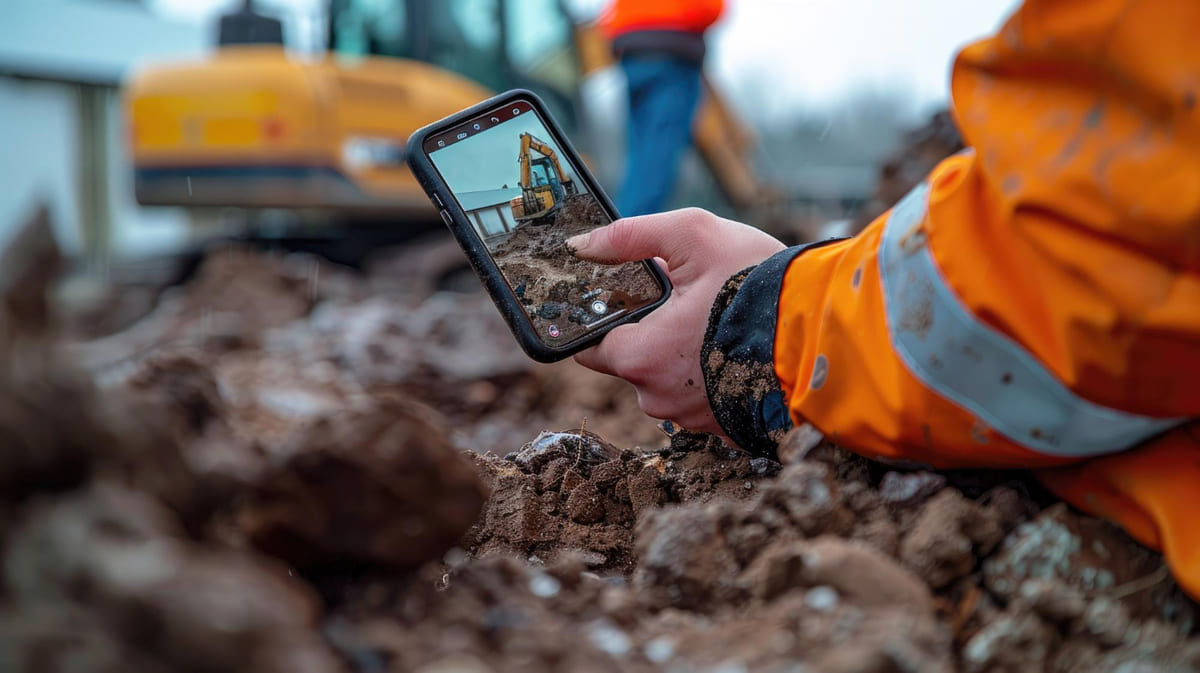
From a higher management perspective, reservations enable better resource planning and inventory optimization. By analyzing reservation data against current inventory, the company can spot trends. For instance, if the system shows that your single concrete scanner is reserved solid for the next two months on multiple projects, it might be time to invest in a second unit to meet demand. Conversely, if certain tools rarely get reserved or checked out, that might indicate you have more than you need, and you could reallocate or sell off extras.
Moreover, reservation features often come with notification capabilities – reminding the person who reserved a tool as the date approaches, and alerting others when a reservation window starts or if someone fails to check the tool out as scheduled. All these practices lead to better utilization of assets. Crews can rely on having the right tool at the right time, which keeps workflows smooth and projects on schedule. In the end, the ability to reserve tools in advance adds a proactive layer to tool management that reduces last-minute scrambles and project delays.
5. Preventive Maintenance Scheduling and Alerts
Construction tools and equipment require regular care to stay safe and effective. That’s why an essential feature of a tool tracking platform is maintenance scheduling with automated alerts. This feature helps you move from a reactive “fix it when it breaks” approach to a proactive preventive maintenance program. Within the platform, each tool’s profile can include maintenance intervals or service criteria – for example, “excavator: service every 300 engine hours” or “company trucks: safety inspection every 6 months” or even “electrical drill: calibrate annually”. The software will track usage data and dates, then automatically remind you when a tool is due for servicing.
By scheduling maintenance in the system, nothing falls through the cracks. The platform can send notifications to the responsible mechanic or manager when the date or usage threshold approaches. For instance, suppose a skid steer loader is approaching 250 hours of use since its last oil change – the system might flag it and email the fleet manager that a preventive maintenance service is due next week.
This allows you to plan downtime for that machine and get it serviced before it fails on the job. Similarly, if a crew member notices an issue with a tool (like a strange vibration in a concrete drill), they can use the mobile app to log a maintenance request or issue report right away. The platform creates a task for the service team, ensuring the problem is addressed promptly. This immediacy is far better than waiting until the tool breaks completely or trying to remember to tell the shop later.
The benefits of maintenance scheduling are significant: equipment breakdowns are reduced, which means fewer costly delays on site. Well-maintained tools also perform better and have longer lifespans, saving replacement costs. There’s also a safety angle – construction tools in good condition are less likely to malfunction in a way that could injure a user. In fact, some research indicates that a notable percentage of equipment losses and accidents could be averted with timely maintenance.
For example, if 15% of equipment losses were avoidable by servicing, catching those issues in advance via scheduled maintenance can save both money and headaches. A good tracking platform will also keep a maintenance history log for each tool, which is useful for compliance and auditing. You can easily pull up, say, the past year’s maintenance record for a boom lift to demonstrate it has been inspected and serviced according to regulations – something important for safety inspections or insurance purposes.
In practice, preventive maintenance features often integrate with the check-out system and alerts. If a tool is due for service, the platform might warn users trying to check it out: “This item is due for maintenance.” Managers can mark it as unavailable until the service is done. Some systems even allow you to set custom service alerts (for example, a calibration reminder for specialized instruments, or a simple monthly inspection checklist for safety gear). By diligently using the maintenance scheduling feature, construction companies shift to a proactive maintenance culture – equipment spends more time working and less time in repair shops, and surprise breakdowns become a rarity rather than a routine.
6. Task Assignment and Staff Accountability
Efficient tool management isn’t just about tracking the tools – it’s also about managing the people who use and maintain them. That’s why a useful feature in many construction tool tracking platforms is the ability to assign tasks and responsibilities to specific staff within the system. This can take a couple of forms. First, there’s the assignment of maintenance or inspection tasks. For example, when a maintenance alert is generated (as discussed above), the platform can allow a manager to assign that task to a particular technician or team member.
The assignee will get a notification (often through the app or email) that says, “You have a pending task: Service the plate compactor by Friday.” The task remains visible in the system (sometimes on a dashboard or a ‘to-do’ list) until it’s marked as completed. This clear delegation helps avoid confusion over who is responsible for tool upkeep at any given time.
Second, there’s assignment of tools or assets to individuals or crews for longer-term responsibility. While check-in/check-out handles day-to-day tracking, some companies also formally assign certain equipment to a specific person or project for an extended period. For instance, you might assign all electrical tools and testers to the Electrical Foreman’s team for the duration of a project, or allocate each company vehicle to a particular supervisor.
In the system, those items would be marked as under that person’s care. This kind of feature is useful for accountability and clarifying ownership of tasks. If an issue arises with an assigned tool (say a drill is constantly coming back damaged), it’s easier to identify patterns and address them (perhaps the assigned crew needs additional training or the tool is being used improperly).
Task assignment features generally improve communication and accountability on the job. When everyone knows their duties (thanks to tasks assigned in the platform), there’s less chance that something gets ignored because each assumed the other would handle it. For example, without a system, multiple people might notice a generator making a weird noise but assume someone else will fix it, and then it fails. With digital task assignment, the moment that issue is reported, a manager assigns it to a mechanic, and that mechanic is now clearly responsible to follow through. The platform might even send reminders about the open task as the due date approaches, ensuring it’s not forgotten.
Another aspect tied to staff management is user roles and permissions. A robust tool tracking platform lets administrators define roles (e.g., regular crew member, site manager, equipment manager, etc.) with appropriate access levels. Field workers might only see and interact with check-in/out and their assigned tasks, while a project manager can reserve tools and run reports, and an admin can edit the master inventory.
By tailoring access, the interface becomes less cluttered for each user and data integrity is protected (a laborer can’t accidentally delete a tool from the system, for instance). This role-based design, combined with task assignments, ensures that each person using the platform has the information and responsibilities relevant to them. Ultimately, the task assignment and user management features foster a sense of ownership: each maintenance job has an owner, each tool can have an accountable person, and this leads to a more disciplined approach in managing company assets.
7. Cloud-Based Platform with Mobile Access
In today’s connected world, a construction tool tracking solution must be cloud-based and offer robust mobile access. Gone are the days of installing software on a single office computer and expecting crew leaders to call in updates. A cloud-based platform means that all tool data is stored on secure online servers and can be accessed from anywhere – the jobsite, the office, or on the road. This approach has multiple advantages. First, it provides a single source of truth: everyone – project managers, warehouse staff, field workers – are looking at the same up-to-date information in real time. If a tool is checked out or moved to a new site, that update is immediately reflected for all users.
There’s no confusion from duplicate spreadsheets or outdated records. Second, cloud solutions are easier to maintain and scale. The software provider handles the server maintenance, data backups, and updates behind the scenes. Construction companies don’t need to invest in their own IT infrastructure to support the tool tracking system – just an internet connection. This also makes it cost-effective, since most cloud platforms operate on a subscription model rather than hefty upfront licensing fees.
Mobile access is equally critical, because construction work happens on-site, not behind a desk. A good platform provides a mobile app or mobile-friendly interface that field personnel can use on smartphones or tablets. This empowers crews to actively participate in tool tracking.
They can scan asset tags with their phone camera to check tools in or out, reserve a tool while walking the site, or quickly look up where a needed tool is currently located – all without leaving the field. For example, imagine a scenario where a piece of equipment unexpectedly breaks down on Site A; a superintendent can pull out a tablet, see that there’s a similar piece of equipment idle on Site B, and instantly coordinate its transfer – all through the app. Mobile access essentially puts the tool inventory in everyone’s pocket.
The cloud and mobile combination also enhances real-time communication and collaboration. If one team marks a tool as “under repair” in the system, everyone company-wide sees that status immediately and avoids relying on that tool until it’s fixed. Field workers can also attach photos or notes via the mobile app (for instance, a photo of a tool’s damaged part uploaded to its record for the mechanics to review).
All updates sync through the cloud, so office staff and site staff are always in sync. During audits or safety inspections, having cloud records means a manager can instantly pull up proof of maintenance or an inventory count from anywhere. And if an internet connection is temporarily unavailable on a remote site, many apps allow offline operation – data captured will sync later when back online, so work isn’t disrupted.
In summary, cloud-based, mobile-enabled tool tracking software ensures that the platform is accessible, up-to-date, and user-friendly for the entire construction team. It removes the traditional barriers of location and hardware. Everyone from the tool crib manager to the site foreman can participate in tracking activities in real time. This broad accessibility is key to getting company-wide adoption of the system – which is ultimately what makes the tool tracking program successful. A system won’t help if people don’t use it; making it cloud-based and mobile gives employees little excuse, since it’s convenient and available wherever they are working.
8. Reporting and Analytics for Informed Decisions
Data is a powerful asset on its own. A top-tier construction tool tracking platform doesn’t just collect data – it turns that data into actionable insights through reporting and analytics features. These features allow managers to generate reports on various aspects of tool usage and inventory, helping to identify trends, inefficiencies, and opportunities for improvement.
For example, you should be able to run a report on “tool utilization by project” and discover that certain tools are sitting idle for weeks on one site while another site experiences shortages. Or generate a report on “maintenance costs by tool type” and see that a particular model of cut-off saw is incurring unusually high repair costs, suggesting a quality issue or need for operator training.
Common analytics include reports on utilization rates, idle time, and availability: these show what percentage of time each tool is actually in use versus just being stored. A low utilization rate might prompt you to redistribute or sell underused equipment, whereas an extremely high utilization (constantly booked out) might justify purchasing additional units. There are also maintenance and reliability reports: for instance, mean time between failures for each equipment type, or a list of tools that exceeded their maintenance due date.
These help in assessing the effectiveness of your maintenance program and focusing attention where needed. Inventory valuation reports can tell you the total value of tools in each category, which is useful for insurance and financial planning. If your platform allows tracking tool assignments and project allocations, you can even break down costs per project (e.g., how much did each project “consume” in tool usage, via wear-and-tear or lost items). Such insight enforces accountability at the project level – project managers are more likely to ensure tools are cared for if they know lost tools will hit their project’s cost report.
Another critical analytic is loss and theft tracking. Over time, the system can report how many tools were lost or never returned, and their total value. This metric, especially when it shows improvement year-over-year, can be a great way to quantify the benefits of the tool tracking initiative. For example, you might report that “last year we lost $5,000 in tools, down from $20,000 two years ago after implementing the tracking platform.” That’s tangible ROI. Similarly, efficiency metrics can be gleaned; some advanced systems might even calculate how much time was saved by quick tool location lookups or how many fewer duplicate tools were purchased.
The analytics dashboards in a good platform are usually customizable, allowing managers to see key performance indicators (KPIs) at a glance. Charts and graphs can highlight things like “Top 10 tools by usage hours this quarter” or “Maintenance tasks completed vs. overdue”. These visualizations help in presentations to upper management or for internal tool management meetings.
They turn raw data into a story: perhaps showing how introducing a reservation system increased utilization by X%, or how stricter check-in/out reduced missing tools by Y%. In essence, robust reporting features enable continuous improvement. By regularly reviewing tool data, a construction company can make informed decisions – maybe adjusting procurement plans, improving training for crews (if data shows a certain team has more tool damages), or reassigning resources – all aimed at optimizing operations and cutting costs. Without analytics, you’re managing blindly; with it, the tool tracking platform evolves from a passive log into an active decision-support system for the business.
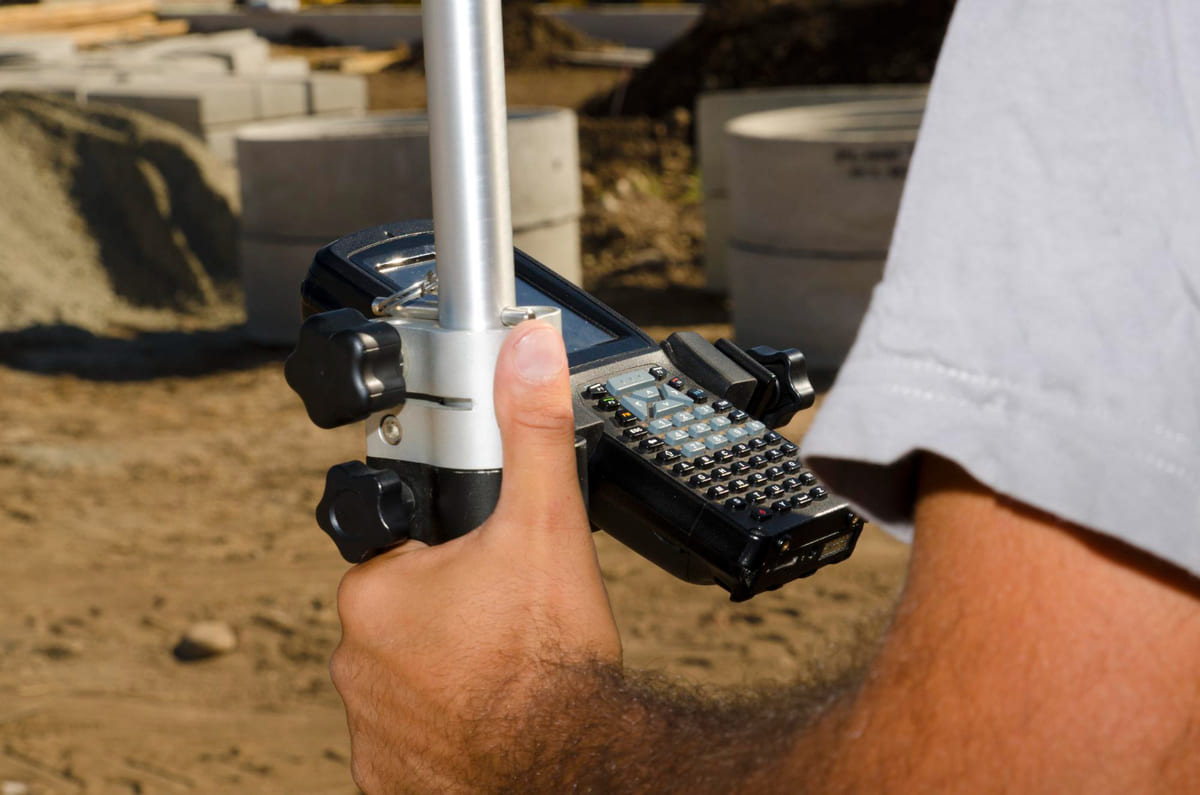
9. Automated Alerts and System Integration
Automation and integration capabilities are the final pieces that elevate a construction tool tracking platform from useful to indispensable. Automated alerts go hand-in-hand with many features discussed, ensuring that the right people get notified about important events without constantly watching the system. We’ve already touched on some alerts: notifications for maintenance due dates, or geofence breaches for unauthorized tool movement.
In addition, platforms often allow custom alert settings. For example, you can set an alert for overdue tool returns – if a tool hasn’t been checked in by the expected date, the system can automatically ping the person who has it and their supervisor. This gentle reminder often is enough to prompt immediate action (maybe the worker forgot to return it or is keeping it overnight; the alert makes sure it’s not forgotten the next day).
Another valuable alert is low inventory or stock level warnings. If your system also tracks consumable supplies or critical spare parts for tools, you can configure a minimum threshold. When stock of concrete drill bits or fuel canisters drops below the set number, the platform will send a notification that it’s time to reorder. This way, you’re never caught off-guard in the middle of a job realizing you’ve run out of something essential.
Integration refers to the platform’s ability to connect and share data with other software systems used in your business. Construction companies use a variety of software: project management scheduling tools, accounting and ERP systems, procurement systems, HR systems, etc. A robust tool tracking platform will offer integration options or APIs (Application Programming Interfaces) so it can communicate with these. For instance, integrating with project management software could allow tool reservations to tie directly into project schedules – when a task requiring a specific tool is scheduled, a reservation for that tool could be auto-generated.
Integration with an ERP or accounting system might enable automatic job cost allocation: every time a tool is checked out to Project X, the system could send that usage info to accounting so that depreciation or rental costs are charged to Project X’s budget. If the platform detects a tool is lost and marked as such, an integration could trigger an entry in accounting to write off that asset and perhaps even automatically initiate a replacement order through the procurement system.
Another integration example is with fleet telematics or GPS services. If you have heavy equipment that already has OEM GPS/telematics (common with modern excavators, loaders, etc.), a good platform can integrate those feeds so that the equipment’s location and engine hours automatically flow into the tool tracking system. This avoids double-entry and ensures your data (like usage hours for maintenance alerts) is always up to date. Integration with communication tools (like sending an alert via Slack or text message) is also beneficial for immediate awareness. For instance, when a high-value tool leaves a geofenced area after hours, the system might not only log it but also send an SMS to the security manager’s phone right away.
All these automated workflows and integrations mean the tool tracking platform becomes a seamless part of your wider operations. It reduces manual administrative work – people don’t have to constantly check if something is overdue; they’ll be alerted. It also reduces data silos – your tool data can flow into other reports and processes, giving a more holistic view of your projects. For example, project managers could see both the labor and the tool costs associated with their project in one place, or safety officers could get a report from the system for all equipment that’s due for inspection this month.
In essence, automation and integration amplify the effectiveness of the core features. They ensure that critical information triggers action and that the tool tracking system works in concert with your other management systems. This way, the platform doesn’t operate in isolation – it actively contributes to streamlining broader construction workflows, from planning and procurement to execution and cost control.
FAQs
How does a Construction Tool Tracking Platform work?
A construction tool tracking platform works by tagging each tool with an identifier (such as a barcode, QR code, RFID chip, or GPS tracker) and using software to monitor those tags. When a tool is scanned or its tracker sends a signal, the platform updates the tool’s location and status in a database.
Users interact with the system via a website or mobile app to check tools in and out, view where tools are, reserve them for future use, and receive alerts. In short, the platform creates a digital log of every tool’s whereabouts and usage in real time. This helps construction teams quickly locate equipment, know who is responsible for it, and keep maintenance records – all through a centralized, cloud-based system accessible from anywhere.
Which tools and equipment can be tracked with a tool tracking system?
Almost any type of tool or equipment can be tracked – from small hand tools like drills, hammers, and saws, to larger power tools like generators and jackhammers, and even up to heavy equipment such as skid steers, excavators, and trucks. Modern tracking platforms are versatile and can handle a broad inventory. Small tools are often tracked using barcode or QR code labels that workers scan, or Bluetooth tags that update their presence. Larger equipment may have GPS units or telematics devices that report location and usage data.
Even consumable items or spare parts can be monitored by logging their quantities. Essentially, if you can tag it or log it, you can include it in a tool tracking system. This means the platform can manage your entire fleet of assets – not just tools but also things like materials, safety gear, or any physical asset that’s important to your operations.
What are the benefits of using tool tracking software in construction?
Using tool tracking software in construction delivers numerous benefits. First, it dramatically reduces tool loss and theft, because you always know who last had a tool and where it was, increasing accountability. This can save a company a lot of money on replacing missing tools. Second, it improves efficiency and productivity – crews spend less time searching for equipment since the system shows exactly where each item is, and projects don’t get delayed waiting for tools. Third, it enables better maintenance and safety.
The software reminds you to service equipment on schedule, which means tools are kept in good condition and are less likely to break down or cause accidents. Finally, it gives management valuable data and control. With reports and analytics, you can make informed decisions about purchasing, renting, or reallocating tools based on actual usage patterns. Overall, a tool tracking platform streamlines operations, cuts costs, and helps projects run smoother.
Is it true that tool tracking platforms can help prevent theft on job sites?
Yes, that’s true – a tool tracking platform can be a strong deterrent to theft and a useful aid in recovery. When tools are marked with identifiable tags and everyone knows they are being tracked, there’s less temptation for opportunistic theft by employees or passersby. The platform’s check-in/check-out records clearly show who is responsible for each tool, so tools are less likely to “walk away” unnoticed.
Additionally, if a theft does occur (for example, someone steals equipment from a site overnight), tools with GPS or Bluetooth trackers can report their last known location, which can be given to police to help recover the stolen items. Some systems will also send immediate alerts if a tool is moved off-site or used outside of work hours, tipping off managers that something is wrong. While a tracking platform might not stop a determined thief in every case, it significantly increases the chances of preventing theft or catching it early, and it provides evidence (like time-stamped logs and locations) that can be invaluable in investigations.
Conclusion
In conclusion, a modern construction tool tracking platform equipped with these nine essential features can transform the way a company manages its equipment and tools. By providing real-time visibility, improving accountability with check-in/check-out processes, and enabling proactive measures like reservations and preventive maintenance, such a platform tackles the root causes of tool loss, downtime, and inefficiency. The cloud-based mobile access ensures that the system becomes an accessible daily tool for all staff, from the jobsite to the office, fostering better communication and data sharing. Meanwhile, robust reporting and integration capabilities turn raw tracking data into valuable insights and actions that tie into the bigger picture of project management and cost control.
Construction companies that have adopted comprehensive tool tracking systems often see immediate benefits – sharp reductions in lost tool expenses, less time wasted looking for equipment, fewer project delays due to missing or broken tools, and lower maintenance costs thanks to timely service. Over the long term, they also gain strategic advantages: they can optimize their inventory (buying exactly what is needed and reassigning what’s not), improve jobsite safety (with well-maintained, properly allocated tools), and hold everyone accountable to use resources responsibly.
In a field where profit margins can be tight and schedules unforgiving, these improvements in efficiency and oversight make a substantial difference. A construction tool tracking platform is not just a convenience – it has become a critical infrastructure for running a lean, responsive, and successful construction operation.
By focusing on the essential features outlined above when evaluating a tool tracking solution, construction tool managers and company leaders can ensure they select a platform that genuinely meets their needs. The right platform will be one that covers all types of assets broadly (from small hand tools to large equipment), is general enough to integrate with your workflows, yet specific enough to handle the rugged demands of construction environments.
With the top features in place, the platform will serve as a backbone for asset management – keeping your tools where they need to be, when they need to be there, and in optimal condition. In the end, investing in a capable tool tracking system is investing in the productivity, safety, and profitability of your projects.
Resources:
-
GoCodes. (n.d.). Common Features of a Tool Tracking System.
-
GoCodes. (n.d.). White Paper: Is Your Company Losing Construction Tools and Equipment?
-
Milwaukee Tool. (2024). Small Tool Tracking: Think of Hand Tools as Assets, Not Consumables.
-
Comparesoft. (2023). 3 Tool Tracking Approaches to Stop Theft & Reduce Replacement Costs.
For all the pictures: Freepik
Suggested article for reading:
5 Use Cases of Telematics and IoT in Construction Tool Tracking
Top 7 Construction Tool Tracking Systems Transforming Site Efficiency in 2025
Top 7 Sensor Solutions Transforming Construction Site Safety in 2025
Top 6 IoT Use Cases in Construction Backed by Top Companies in 2025